
Understanding ChatGPT: What Is It and How Does It Work?
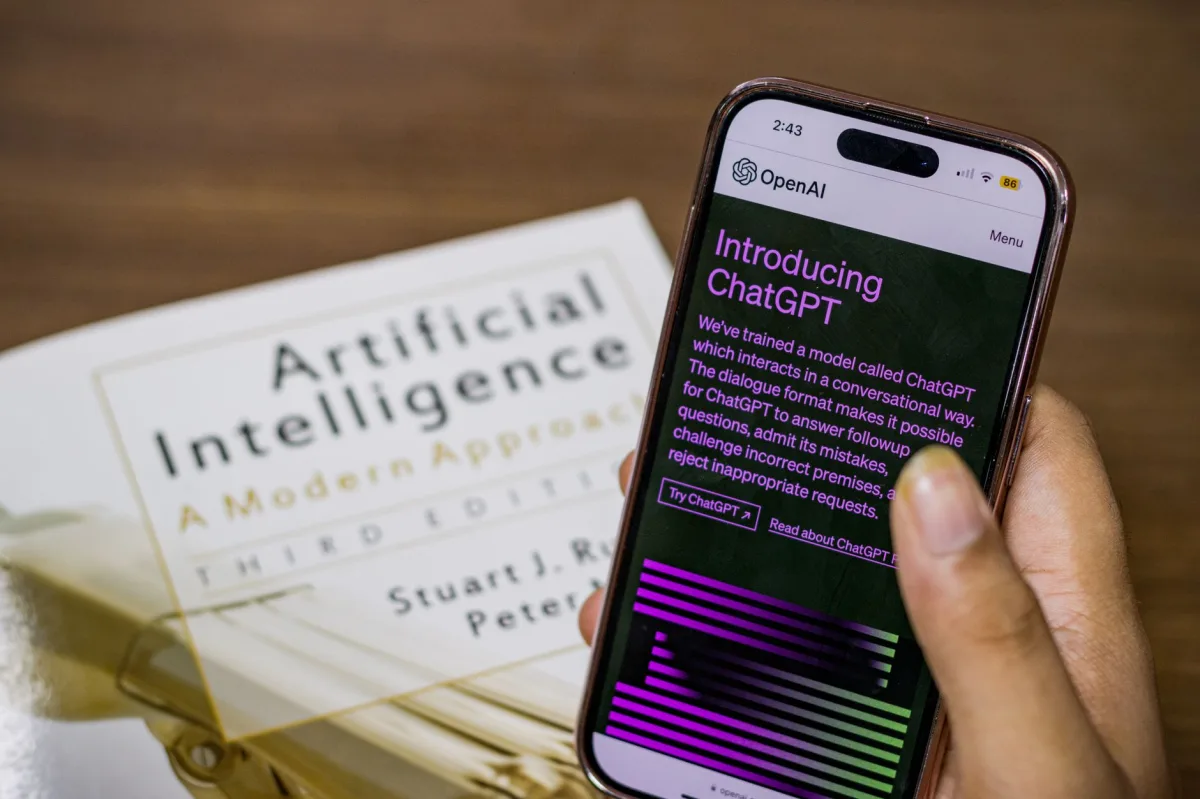
ChatGPT is a conversational AI built on OpenAI’s large language model (LLM) architecture. In 2026 the service runs on the GPT‑4o engine, a multimodal model that processes text, images, and voice in a single request. The model predicts the next token in a sequence, drawing on billions of parameters that have been tuned on diverse internet‑scale data. Because the inference pipeline runs on high‑performance GPUs, responses appear in real time, even for complex tasks such as code generation or visual analysis.
Definition: A large language model (LLM) is a neural network trained to generate or understand natural language by learning statistical patterns from massive text corpora. Multimodal LLMs extend this capability to non‑text inputs like images and audio.
The Evolution of LLMs in 2026
- 2022‑2023: GPT‑3.5 introduced the API‑first model.
- 2024‑2025: GPT‑4 added longer context windows (up to 128 k tokens) and early image support.
- 2026: GPT‑4o unifies text, image, and voice processing, supports real‑time streaming, and offers a 1 M‑token context for enterprise workloads.
Key Capabilities: Text, Voice, and Vision
- Text generation – write essays, code, marketing copy, or technical documentation.
- Voice interaction – speak to ChatGPT on mobile or desktop; the model returns spoken answers in a natural tone.
- Vision analysis – upload a diagram, a screenshot of a math problem, or a handwritten note and ask for step‑by‑step explanations.
ChatGPT Free vs. Plus: Which One Do You Need?
The free tier runs on GPT‑3.5. It handles most everyday queries, offers unlimited text chats, and respects a daily usage cap that most casual users never reach. ChatGPT Plus, priced at $20 per month in 2026, upgrades you to GPT‑4o, provides faster response times, higher image‑generation limits, and priority access during peak traffic. If you need vision or voice features, or you regularly exceed the free token quota, Plus is the logical step.
How to Set Up Your ChatGPT Account

Creating Your OpenAI Account
- Visit chat.openai.com and click “Sign up”.
- Enter a valid email address (or use Google/Apple single sign‑on).
- Verify the email link and set a strong password.
- Complete the optional two‑factor authentication for added security.
Configuring Your User Profile and Custom Instructions
OpenAI introduced “Custom Instructions” in early 2026. This feature lets you tell the model how to behave across all sessions.
1. Click your avatar → “Settings”.
2. Select “Custom Instructions”.
3. Fill in:
 • “What would you like ChatGPT to know about you?” – e.g., “I’m a sophomore biology major, prefer concise answers.”
 • “How should ChatGPT respond?” – e.g., “Use bullet points, include citations, and keep tone professional.”
4. Save changes.
These settings persist until you edit them, giving you a personalized experience without rewriting prompts each time.
Integrating ChatGPT with Your Mobile Devices
Both iOS and Android offer native ChatGPT apps. After installing the app from the App Store or Google Play:
- Log in with the same credentials you created on the web.
- Enable “Voice Mode” in Settings → “Interaction”. This activates the microphone and speaker pipeline.
- Turn on “Image Upload” under “Multimodal”. You can now snap a photo of a textbook page and ask for a summary.
For power users, OpenAI also provides a “ChatGPT Desktop” client for Windows, macOS, and Linux, which syncs chat history across devices via your OpenAI account.
Mastering the Art of Prompting: A Technical Walkthrough
The Anatomy of a Perfect Prompt
A well‑crafted prompt contains three parts: context, instruction, and constraint.
Context: You are a university tutor specializing in organic chemistry.
Instruction: Explain the mechanism of the Aldol condensation.
Constraint: Use no more than 150 words and include a single ASCII diagram.
This structure tells the model who it is, what to do, and how to limit the output.
Using Frameworks: Role, Task, and Constraint
Many experts adopt the “R‑T‑C” framework:
- Role – define a persona (e.g., “You are a senior web developer”).
- Task – specify the action (e.g., “Write a React component that fetches data from an API”).
- Constraint – set limits (e.g., “Do not use external libraries; keep the file under 50 lines”).
Applying R‑T‑C consistently reduces ambiguity and improves output quality.
Iterative Prompting: How to Refine AI Outputs
ChatGPT can be guided through a back‑and‑forth loop:
- Submit the initial prompt.
- Review the response and note gaps.
- Ask a follow‑up: “Expand the section on catalyst selection” or “Replace the jargon with layman terms”.
- Repeat until the answer meets your criteria.
Because the model retains the conversation context, each refinement builds on the previous output.
Leveraging Multimodal Inputs (Images and Voice)
To ask about a diagram, upload the image first, then reference it:
Upload: [image of a circuit schematic]
Prompt: “Identify the type of filter shown and write a brief explanation of how it works.”
For voice, simply press the microphone icon and speak:
“Hey ChatGPT, can you walk me through the steps of solving a quadratic equation using the completing‑the‑square method?”The model returns a spoken answer while also displaying the transcript, giving you both auditory and visual feedback.
ChatGPT Best Practices for Maximum Productivity
Automating Repetitive Workflows
Use ChatGPT as a lightweight automation engine. Combine it with the OpenAI API and a simple script to generate daily reports, email drafts, or code snippets.
# Example: Python script that creates a weekly summary from a list of tasks
import openai, os

openai.api_key = os.getenv("OPENAI_API_KEY")

tasks = [
 "Reviewed chapter 4 of calculus textbook",
 "Graded 12 lab reports",
 "Prepared lesson plan on Newton's laws"
]

prompt = f"""You are an assistant that writes concise weekly summaries.
Create a bullet‑point summary for the following tasks:\n{'\n'.join(tasks)}"""

response = openai.ChatCompletion.create(
 model="gpt-4o",
 messages=[{"role": "user", "content": prompt}]
)

print(response.choices[0].message.content)
Using AI for Research and Synthesis
When tackling a literature review, feed ChatGPT the abstracts (or upload PDFs in the Plus version) and ask for a synthesis:
“Summarize the main findings of these three abstracts on CRISPR delivery methods, highlight any conflicting results, and suggest a research gap worth exploring.”The model can produce a structured overview, a table of key metrics, and even propose hypothesis statements.
Fact‑Checking and Verifying AI‑Generated Content
AI can hallucinate. To keep information reliable:
- Ask for source citations: “Provide the DOI for each study you referenced.”
- Cross‑verify with external tools (e.g., browser extensions that fetch PubMed entries).
- Use the “search” plugin (available to Plus users) which pulls live web results before answering.
Embedding verification steps into your workflow prevents the spread of inaccurate data.
Common Mistakes and Troubleshooting
Dealing with AI Hallucinations
If the response contains fabricated facts, respond with a corrective prompt:
“Your last answer mentioned a study by Smith et al., 2023, but I can’t find that reference. Please double‑check and provide a correct citation.”When the model still produces errors, switch to the “search” plugin or manually look up the claim.
Fixing “Network Error” and Response Timeouts
Typical causes are:
- Exceeding the token limit for a single request.
- Intermittent internet connectivity.
- API rate limits on the free tier.
Solutions:
- Trim the prompt or split it into smaller chunks.
- Restart the browser or app to refresh the connection.
- Upgrade to Plus if you regularly hit rate limits.
Overcoming Prompt Fatigue and Generic Outputs
When answers feel bland, try:
- Adding a “style” instruction: “Write in a conversational tone with analogies.”
- Specifying output format: “Provide a table with three columns: concept, definition, example.”
- Changing the persona: “You are a senior data scientist, not a generalist.”
Who is ChatGPT Best For? (User Persona Mapping)
| User Profile / Target Persona | Recommended Choice / Approach | Key Reason & Benefits |
|---|---|---|
| Beginner Student (high school or early college) | Free tier + Custom Instructions (concise, step‑by‑step) | Zero cost, easy interface, sufficient for explanations and homework help. |
| Power‑User Researcher | ChatGPT Plus + API integration | Access to GPT‑4o, image analysis, higher token limits, and programmable workflows. |
| Budget‑Conscious Educator | Free tier with selective Plus upgrades for image/voice features | Minimizes subscription spend while still gaining multimodal capabilities for lesson planning. |
| Enterprise Team (product development) | OpenAI Enterprise plan with dedicated instance and admin dashboard | Provides data isolation, custom model fine‑tuning, and SLA‑backed uptime. |
| Visual/Auditory Learner | Plus tier, enable Voice Mode and Vision tools | Supports multimodal study sessions, turning text into spoken explanations or diagram analyses. |
Final Verdict: Is ChatGPT the Right Tool for You?
If you need an on‑demand assistant that can explain concepts, draft content, generate code, and analyze images or voice, ChatGPT is a solid choice in 2026. The free tier handles most day‑to‑day learning tasks, while Plus and Enterprise options add speed, multimodal power, and higher usage limits for professionals. Pair the AI with human oversight—especially for fact‑checking and deep conceptual work—and you’ll unlock a productivity boost that rivals traditional tutoring or manual research.